Recurring schedules
Regular clients book themselves, forever
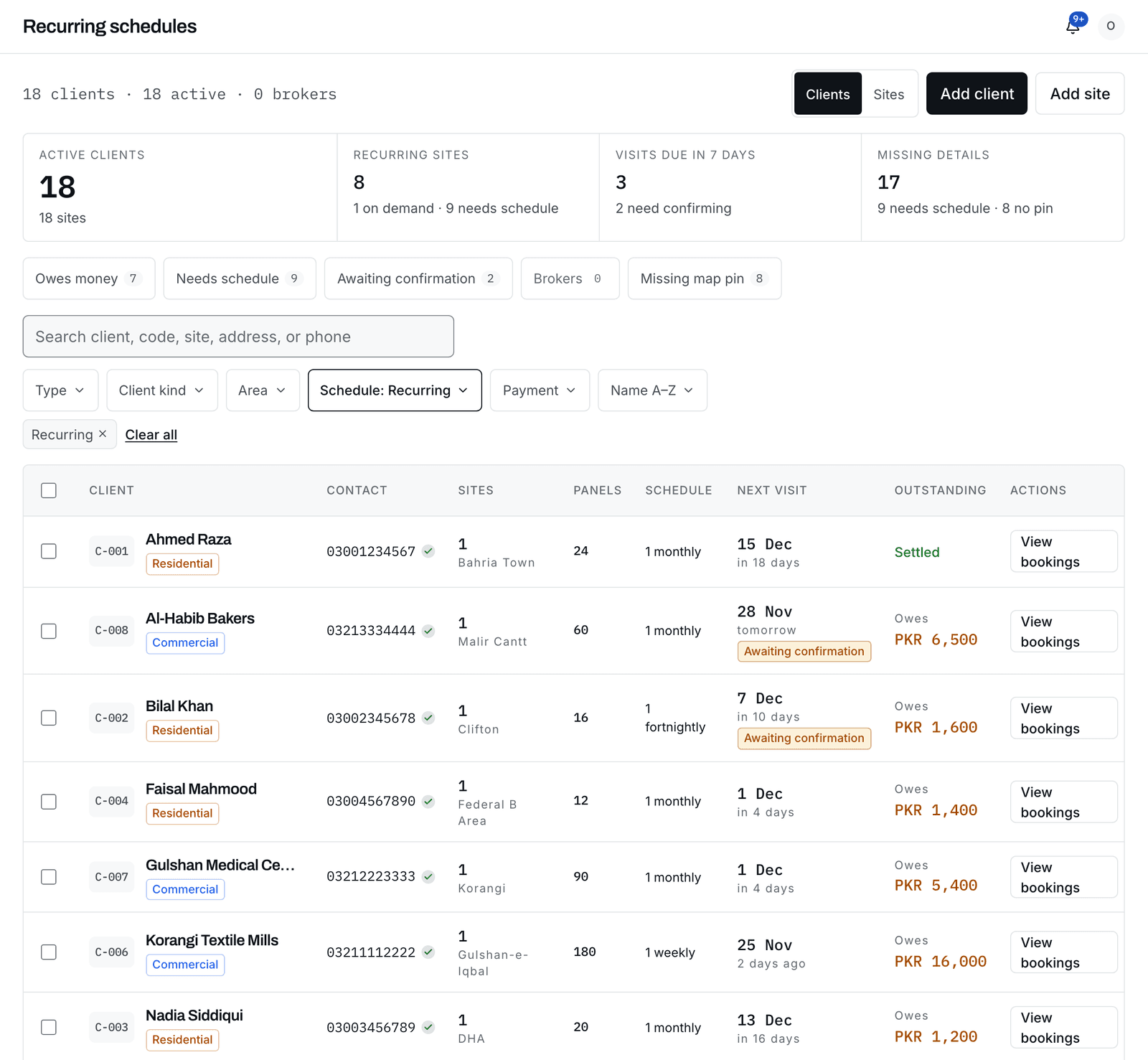
Set a client's schedule once, weekly, fortnightly, monthly or every few days, and their upcoming visits appear on the calendar by themselves.
The problem
Regular work slips through the cracks
- Monthly clients only get cleaned when someone remembers to book them.
- A factory's fortnightly clean is missed and you hear about it from the manager.
- Eid, holidays and your off day throw every schedule out.
- Nobody knows which regular visits still need the client's OK.
With SunlightDesk
What changes
- Each recurring site's next visits are created two weeks ahead, every day.
- Visits that land on a holiday or off day move to the next working day, the one before, or are skipped, your choice.
- Sites whose schedule isn't confirmed with the client are marked "Awaiting confirmation".
- Pause a schedule and the untouched upcoming visits are removed.
How it works
- 1
Pick the rhythm. Weekly on chosen days, monthly by date or by weekday (like the last Saturday), or every N days.
- 2
Add exceptions. Skip weekdays, dates, date ranges, months or a holiday set, and choose what happens instead.
- 3
Let it run. Upcoming visits appear on the day planner two weeks ahead, ready to assign.
Included
What you get with recurring schedules
- Weekly, fortnightly, monthly by date or weekday, or every N days
- Exceptions for weekdays, dates, ranges, months and holidays
- Move to the next or previous working day, or skip
- Visits generated two weeks ahead, every day
- "Awaiting confirmation" until the client agrees the schedule
- Pause without leaving ghost visits behind
On every plan, with everything else in SunlightDesk. No contract. Switch the assistant off for one customer or for everyone, any day. Your data stays yours, and if you ever stop, we hand it back.
Questions
What owners ask
What if a client wants to skip one visit?
Cancel or move that one visit; the schedule carries on as before.
Can a client have different schedules for different roofs?
Yes. Schedules belong to each site, so a client's factory and house can run on different rhythms.
See it in 15 minutes
Message us on WhatsApp. We'll show you a new enquiry going from the first message to "yes", using your own prices, and answer anything about your business.
No contract. Switch it off any day. Your data stays yours.